
#SoEveryoneCanGame
Combating Social Isolation Through Play


Celebrating 20 Years of Changing Lives
AbleGamers has been creating opportunities that enable play in order to combat social isolation, foster inclusive communities, and improve the quality of life for people with disabilities for 20 years.
People with disabilities are 51% more likely to be socially isolated than their non-disabled peers.
You want people with disabilities to have rich well rounded lives that let them be their best selves and to have something to look forward to. Your support works every day to bring play to those desperately needing it, and we do it at no cost to the people we serve.


Why is your support important?
The mission is always about using video games to enable social experiences for people with disabilities. Please watch how your support changes people’s lives.
Our Focus
Play is a powerful weapon against the epidemic of social isolation. Play, specifically via gaming, gives people an accessible way to reach beyond the physical confines of their homes, connect with other players all over the world.
Five Pillars
The world of games and gaming provides people with disabilities an opportunity to build rich social engagements, lifelong friendships, and connect with players who share similar experiences. Simply put, AbleGamers believes in using the power of play and inclusion to connect players, build communities and combat social isolation.


Engineering
Research
Creating assistive technologies that provide solutions to barriers to play

Community &
Inclusion
Fostering opportunities for camaraderie to forge lifelong relationships.

User
Research
Discovering barriers and solutions to facilitate accessible player experiences

Professional
Development
Guiding Industry philosophies to promote an inclusive and accessible future.
News and Stories

Adaptive Gaming Equipment

2nd Annual Gala


Celebrating one year of Adaptive Gaming in Cincinnati, Ohio!

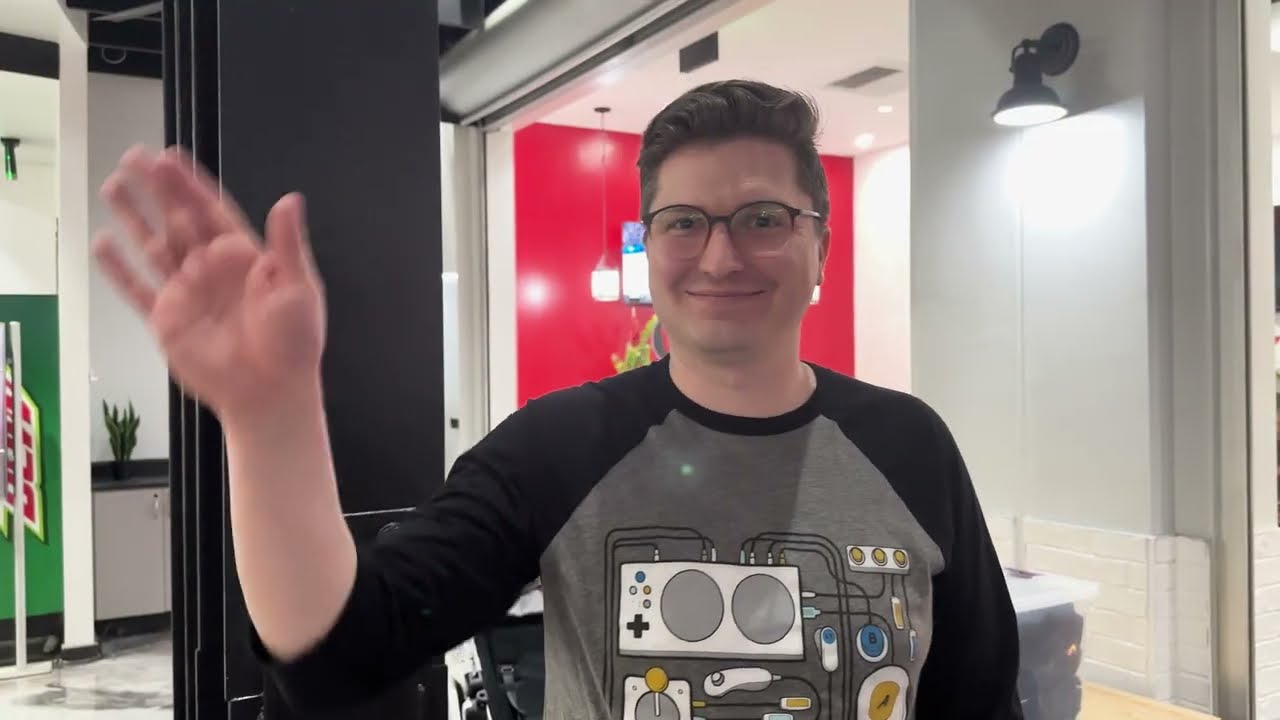

”The more people that are able to do it, the better the games are.” -@travismcelroy
The inclusion and accessibility are beneficial for all. What does accessible gaming mean for you? ...🕹️
#SoEveryoneCanGame #AbleGamers
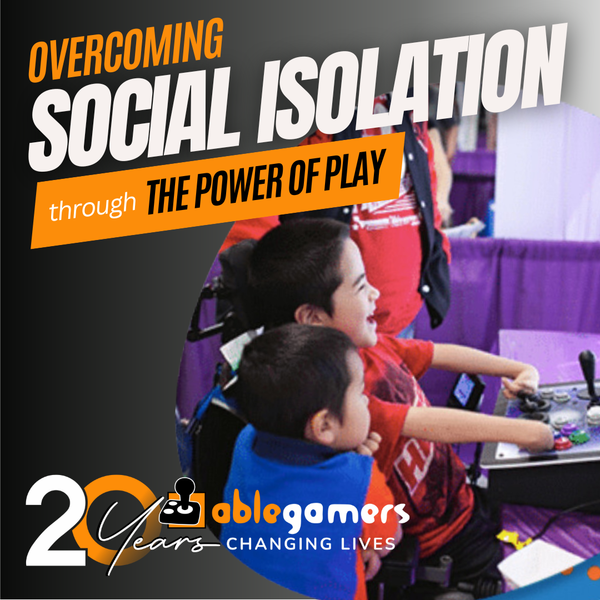
AbleGamers was founded in 2004 because friends wanted to play together. This year we are celebrating our 20th year of combating social isolation and improving accessibility #SoEveryoneCanGame
...
Ready to change lives through play? Level Up with us: https://ablegamers.org/level-up