• No Barriers to Fun!

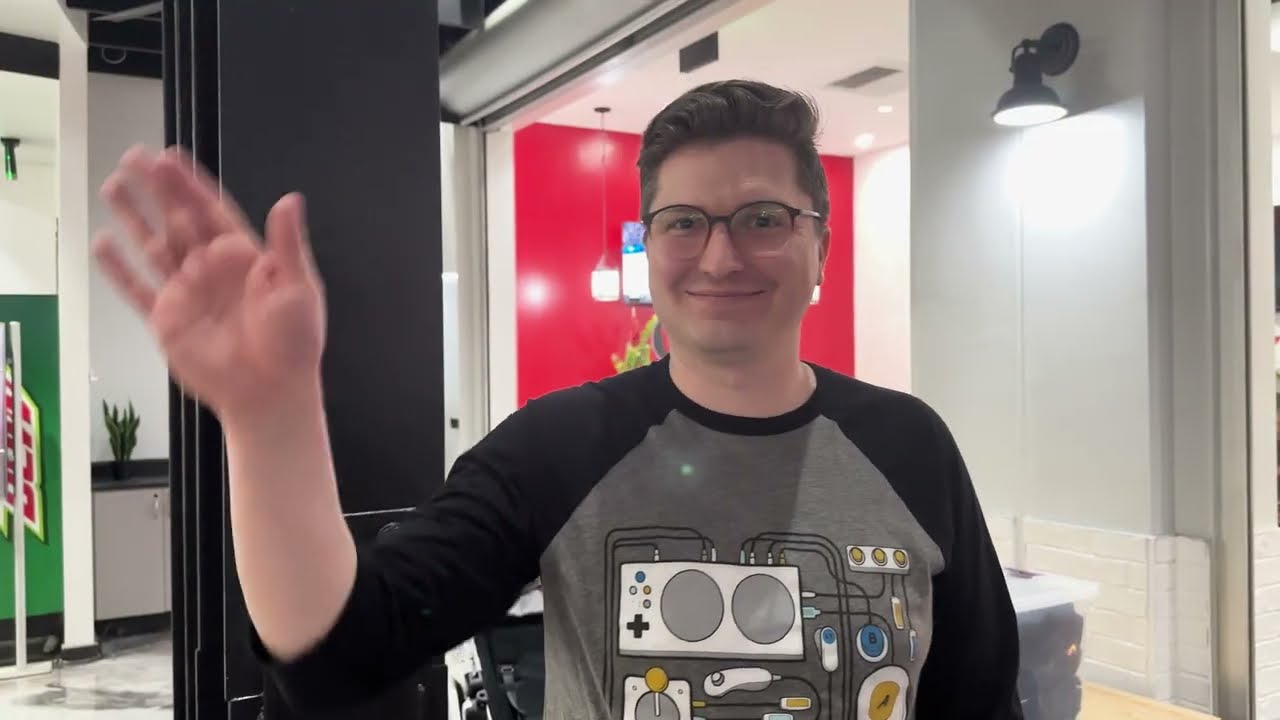
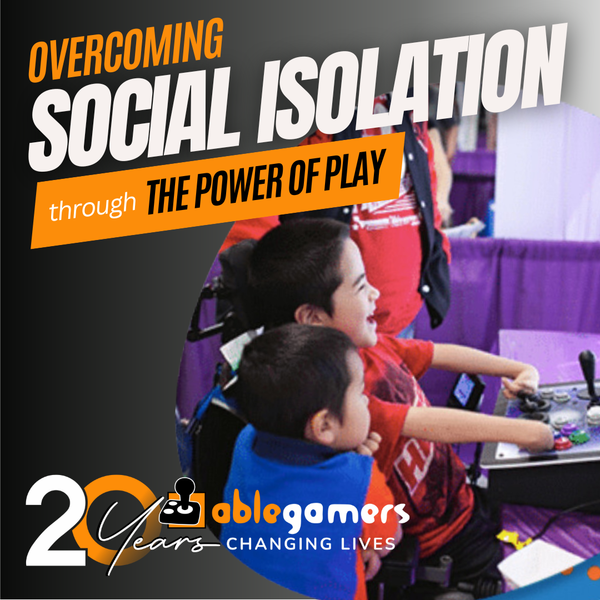
    We met our friend Giddeon at the AbleGamers Accessibility Arcade in Atlantic City, New Jersey. When he first sat down with the AbleGamers crew, Giddeon didn't want to play any games. He told us that with his disability gaming was difficult. Giddeon has a rare disease that caused the growth of his arms .. Read More
  • A Window to the World

    Shepherd University invited the AbleGamers Foundation to come on campus and do one of our Accessibility Arcades for the students and local disabled community. The event was a roaring success with hundreds of children and adults coming out to see the technology and in some cases experience gaming the first time. Read More
  • 1
  • 2

About the AbleGamers Foundation

Since 2004, the AbleGamers Foundation, a 501(c)(3) public charity, has served more than 56 million members of the disabled community by advocating greater access in video games. Today, AbleGamers is a leader in the development of equipment, programs and services to those living with disabilities, hardships, and quality-of-life issues that are a result of chronic illness or trauma. It is our goal to ensure that all people, regardless of their disability, can use gaming as a tool to have enriched social experiences with friends, family, and the world at large. 


Skate 3

Skate 3 Hot

Editor rating
 
3.0
User rating
 
0.0 (0)


Accessibility At A Glance Skate 3

3.0

   
Percision > Yes You will need precision to play
One-Handed > No Avoid this game
Deaf Gamers > No Ummm, I would read the detailed review
Subtitles > Mostly Character text is present but not ambiant
Colorblind > No Not so sure this is the game for you

About the Game

Class
Commercial
Genre
Maker
EA
Release Date
May 05, 2010
Official Website
Multi-player
Yes
Licence Category
commercial

Team Up and Thrown Down in Port Carverton
The award-winning Skate franchise returns to break new ground with Skate 3. Delivering the definitive co-op skateboarding experience, it's up to players to build the ultimate team and change the face of the city. Get ready to take on unique team challenges, compete against rival crews online and shred the streets of the all new skaters’ paradise, Port Carverton. In Skate 3, gamers make the magic happen. Skate Create gives players all the tools to create custom content for their team for both private use and to share with the world. Players can design their dream plaza or mega-ramp park with the all-new Skate Park. They can also capture their team in action with the expanded Skate Reel for team based video creation. Or design a custom logo for their team with the improved Skate Graphics web tool and hit the streets in style.

Image Gallery

Skate 3
Skate 3
Skate 3

Editor review

Skate 3 2010-06-10 01:38:18 Scott Puckett
Overall rating 
 
3.0
Mobility 
 
2.0
Visual 
 
3.0
Hearing 
 
5.0
Scott Puckett Reviewed by Scott Puckett    June 10, 2010
Last updated: June 10, 2010
Top 10 Reviewer  -   View all my reviews

Skate 3 - Accessibility Breakdown

First and foremost, a demo for “Skate 3” is still available on the Xbox Live Marketplace (a demo for “Skate 2” is also available). It offers access to the game in 20-minute increments, and two or three sessions ought to provide a good idea of how accessible the game is for you. I strongly recommend downloading and trying the demo to get a better idea of the gameplay. I will also note that parts of the demo seemed significantly more difficult to me than the actual game. And while “Skate 3” feels like a vast improvement over “Skate” and “Skate 2” in accessibility, it still presents challenges.

One of the most prominent accessibility concerns is the control system. Since the game uses sticks to initiate and control most tricks, it requires precision, it requires reasonably quick reflexes and it virtually requires using both hands. For gamers with use of only one hand, “Skate 3” may be nearly impossible. For gamers who have concerns about precision or twitch reflexes, “Skate 3” will likely be difficult. Moreover, “Skate 3” is a vast improvement over its predecessors in this respect. In addition, due to the trick control scheme (to wit, moving the sticks in various directions to initiate and perform tricks), not only are controllers not re-mappable, there are no options to change the controllers for left-handed or right-handed players. It’s an unavoidable consequence of the gameplay, but it’s still unfortunate that alternative methods don’t exist.

Deaf players may have an easier time of it in single-player modes because the subtitling is reasonably well done, using white text on a letterboxed black background. The text is a little small, but fairly readable on a standard definition television set. This is a significant improvement over previous games, which used light-colored text on backgrounds that were frequently light-colored, making the subtitles almost impossible to read. However, the only text that seems to be subtitled is mission-specific information – environmental chatter appears to be left out.

Finally, while most of the game shouldn’t impact gamers with a form of color blindness, “Skate 3” tracks objectives during a goal using green text for completed objectives and red text for objectives which haven’t been completed, or that the player failed. This is consistent with “Skate” and “Skate 2,” and may present a problem, despite check marks next to objectives that have been finished.

At A Glance

Precision: You will need a significant amount of precision to play this game. Players perform tricks by moving and positioning the right and left sticks, as well as using right and left triggers. On easy mode, the game seems fairly forgiving and while you may not kill spots, you may be able to accomplish the objectives. Recommend rating of 3 out of 10 for single-player and 0 out of online multiplayer. Online multiplayer in “Skate” games is very different due to skill levels of experienced players who can easily score thousands of points with a single sequence of tricks.

Deaf Gamers: Subtitles can be activated in the Options menu. While chatter is not subtitled, objective-related subtitles appear in white text on a black background and are relatively easy to read. Recommend rating of 5 out of 10 for single-player.

One-handed: This game is highly difficult for one-handed gamers to play since tricks can require using both sticks, both triggers and so on. While simply using the left stick performs ollies and nollies, as well as their variants, it’s possible, but the right stick controls spin while the triggers control grabs. Recommend rating of 0 out of 10 for single-player and online multiplayer.

Subtitled: Subtitles can be activated in the Options menu. While chatter is not subtitled, mission-related subtitles appear in white text on a black background and are relatively easy to read. Recommend rating of 5 out of 10 for single-player.

Color Blind: Skate 3 uses green to indicate parts of a mission that have been successfully completed and red to indicate which parts have yet to be completed. Unfortunately, it uses both colors at the same time in a checklist, presenting challenges to gamers with color blindness. Recommend rating of 3 out of 10 for single-player and online multiplayer.

Was this review helpful to you? 
10
Report this review
 

User reviews

There are no user reviews for this listing.

To write a review please register or log in.
 
Powered by JReviews

Add comment

Security code
Refresh